An End User Portal your clients will actually use
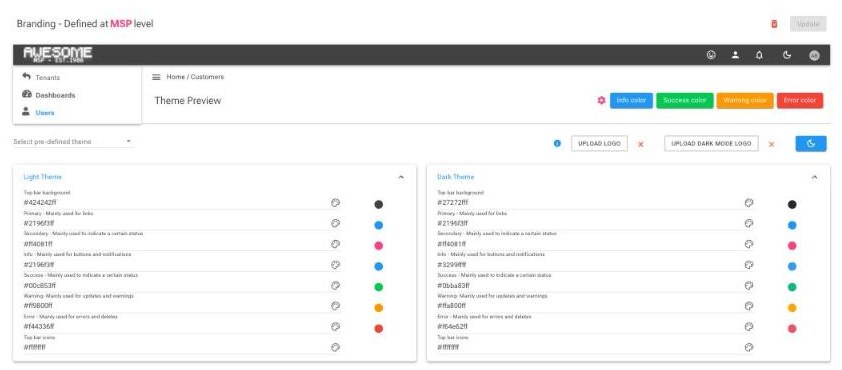
Give your clients direct access to their own tenant, in your brand, while you stay in control of what they can see and do. They sign in with the Microsoft 365 account they already have.
What your clients can do
Only what you switch on, feature by feature, so your service desk spends its time on the work that matters.

Look after their people
Reset a colleague's password, manage contacts and group memberships, and with Automation Workflows switched on, run onboarding for a new starter.
Licences, with your approval
Assign spare licences, or request more seats through an approval chain you set, at the sell prices you configure.
See their own tenant
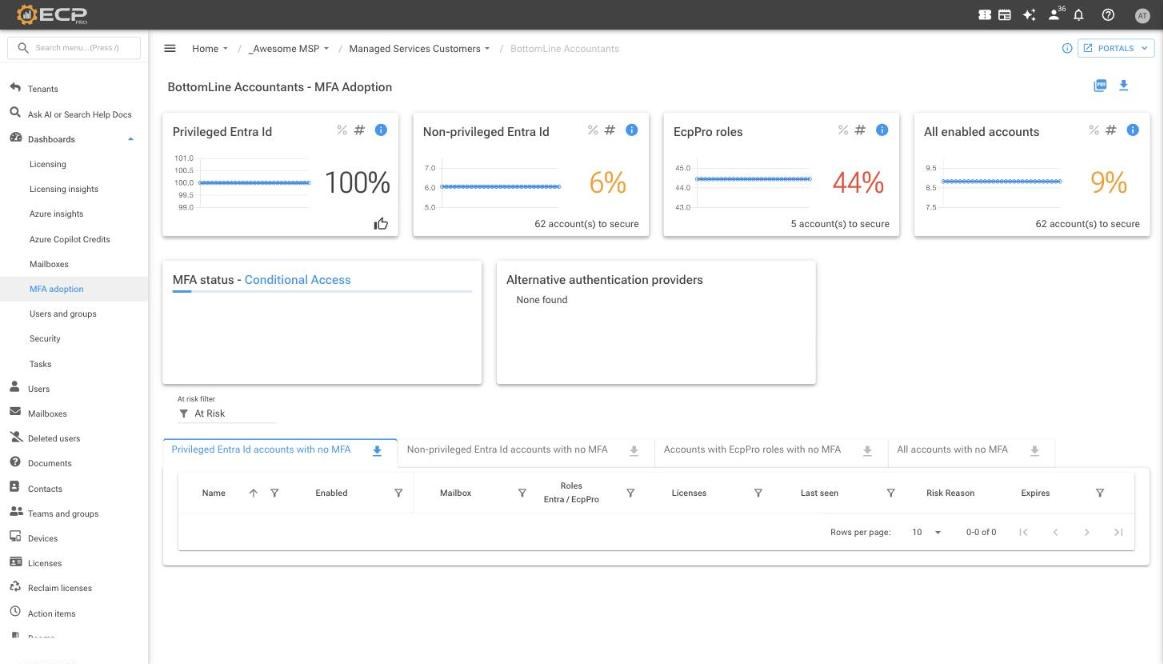
Licensing, MFA adoption, users and groups, and security dashboards, plus reports and audit logs.
You decide exactly how far they get
- User: a landing page and their own profile
- Privileged User: day to day self service, granted one capability at a time
- Tenant Admin: the full tenant, including insights and settings
- Tenant Group Admin: the same reach across several tenants
Every right can be set to list, read, update, create or delete. Portal access never changes a person's Microsoft 365 privileges, and every action is audited.
Picture your clients serving themselves
We are always happy to show you the portal from your client's side.